

Article from: Lindsay Foster, Frontrunner Professional
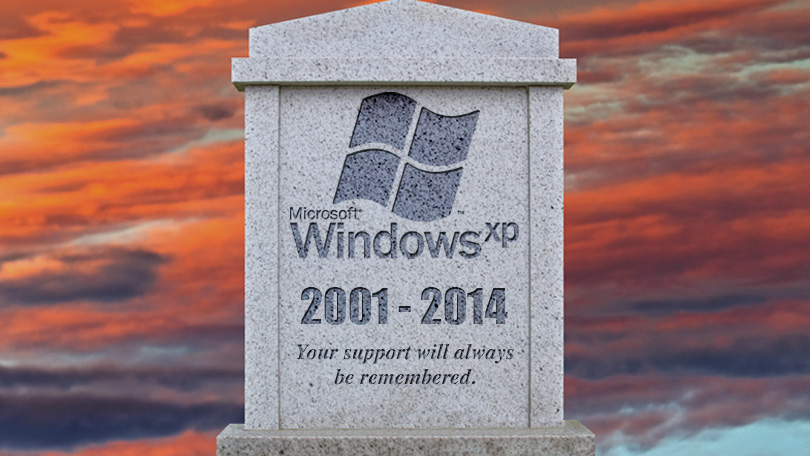
If you’re still using Windows XP on your computer, you’re not alone. Despite the fact that Microsoft stopped supporting the operating system earlier this month, it’s estimated that it’s still running on 300-million or approximately 20 percent of all PCs worldwide. While change is difficult for many, there is little doubt that upgrading will be the easiest way to protect your system from security threats.
Internet Explorer Zero-Day Flaw
Just 3 weeks after the official end of Microsoft support, XP users face the first bug to wreak havoc. The Internet Explorer security flaw (CVE-2014-1776) affects versions 6 – 11. Microsoft is working on a fix for its newer operating systems but XP users are out of luck. They are at risk of what’s called ‘remote code execution vulnerability.’ Essentially, hackers can gain access to a system, assume an administrator role, and do all sorts of things like create new user accounts, add/delete data, and install any type of malware at their disposal.
To be affected by this bug, XP users would have to be using Internet Explorer and visit a suspect site for the malicious code to take hold. What are the chances of this happening? Since about 1/4 of the population uses IE as their preferred browser and landing on troublesome websites is far too easy, the chances are pretty high that this flaw will be felt around the world.
XP holdouts will continue to face a barrage of security attacks that, according to the online tech community, can be fought without the automatic Microsoft security updates. That said, users must question the time and effort needed to ensure their computers are not vulnerable. If you spend the majority of your quality computer time protecting it from security threats, is it time well spent?
Transition From XP
If you decide that enough is enough and you just want an operating system that is protected without you having to think about it, there are several choices to make. Using your existing computer, you can upgrade to one of Microsoft’s two most recent versions of its operating system, Windows 7 or 8. Or, you can scrap Windows completely and go for a Mac. We will require a lot more time to debate the merits of a PC versus a Mac so for now, we’ll stick with the pros and cons of Windows 7 and 8.
The first step is to determine whether your existing computer can even handle an updated operating system. Some older computers can’t run 8.1 (the latest version) so it’s important to run the Windows Upgrade Assistant to check if your PC meets all the system requirements. If it doesn’t, you will have to invest in a new computer. The good news is that it will likely come with the latest version of Windows already installed. That certainly makes the decision easier although more costly than the purchase of an operating system on its own.
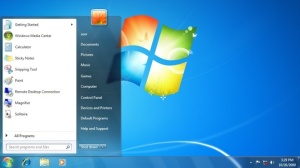
If your computer can handle either Windows 7 or 8, it’s now up to you decide which one will better serve your needs. For current XPers, the transition to Windows 7 will be easier. It looks similar to earlier operating systems with its pop-up Start menu and basic functionality. It’s been around since 2009 but has undergone numerous upgrades and fixes.
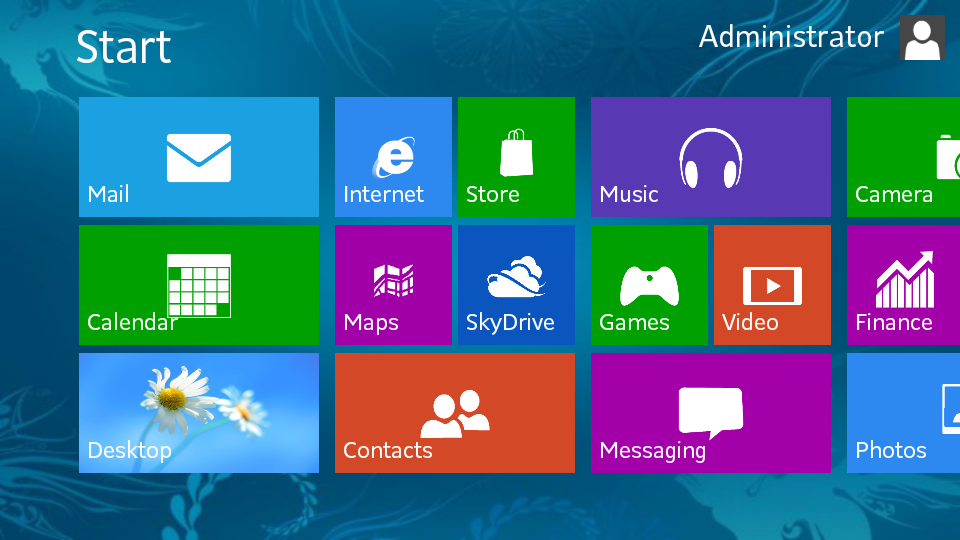
Windows 8 and now 8.1 are completely different than earlier systems. The Start menu is filled with apps, all optimized for touch screens. Start-ups and shutdowns are faster and the overall performance is reportedly improved; virus protection is built in; and the task manager and various tools such as file backup are much better than what’s available with earlier editions. The new interface is considered to be a bit overwhelming at first but there are countless ‘how-to’ websites out there with step-by-step instructions to help you navigate through the system.
Both Windows 7 and 8 are readily available but at this point, there appear to be more financial incentives to purchase the newer system. Another thing to keep in mind is that Microsoft will offer support on Windows 7 until 2020 and Windows 8 until 2023.
There are so many options and for most of us, choosing between specific operating systems comes down to personal preferences. It’s all about the system that you feel more comfortable working in so you’re encouraged to ‘play.’ Go in to a local retailer or ask friends who use the different systems. Take the time to walk through everything to make an informed decision. Whatever choice you make, it will be a wise one compared to sticking with XP and trying to conquer security threats on your own.
Sources: PC World.com / PC Mag.com / Digits / Reuters / Forbes / Microsoft / Digital Trends